OmniVault AI: The Developer’s “Second Brain” and AI Command Center
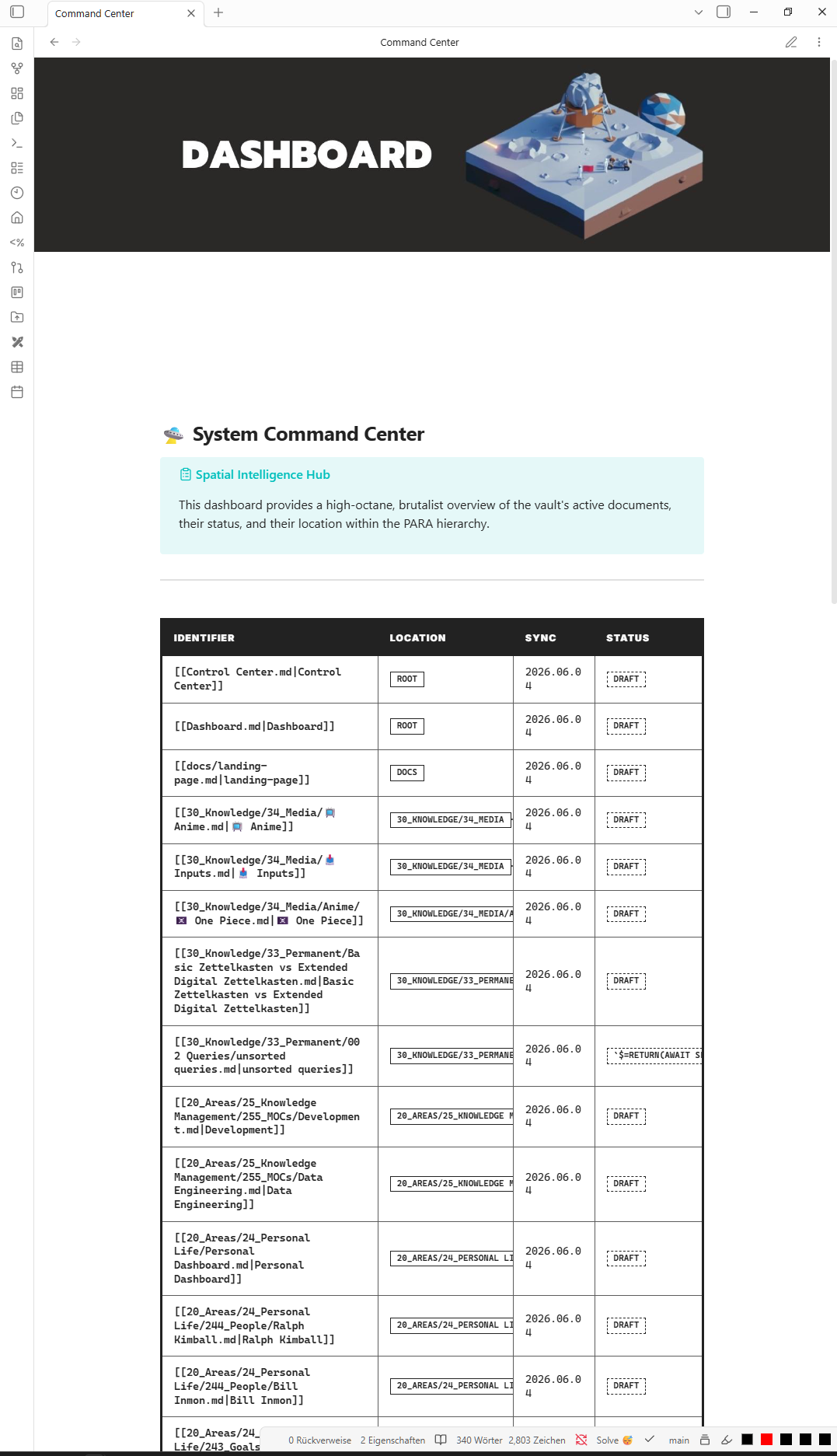
In the fast-paced world of software engineering, information isn’t just power—it’s noise. To cut through that noise, I’ve developed OmniVault AI, a professional-grade Obsidian environment designed to bridge the gap between high-level knowledge management and cutting-edge AI orchestration.
omnivault.masri-programmer.de is the central nerve center for my digital life. It is a highly customized, self-hosted environment designed to capture, organize, and synthesize information from diverse sources into a cohesive knowledge base.
🛠️ The Architecture: PARA on Steroids
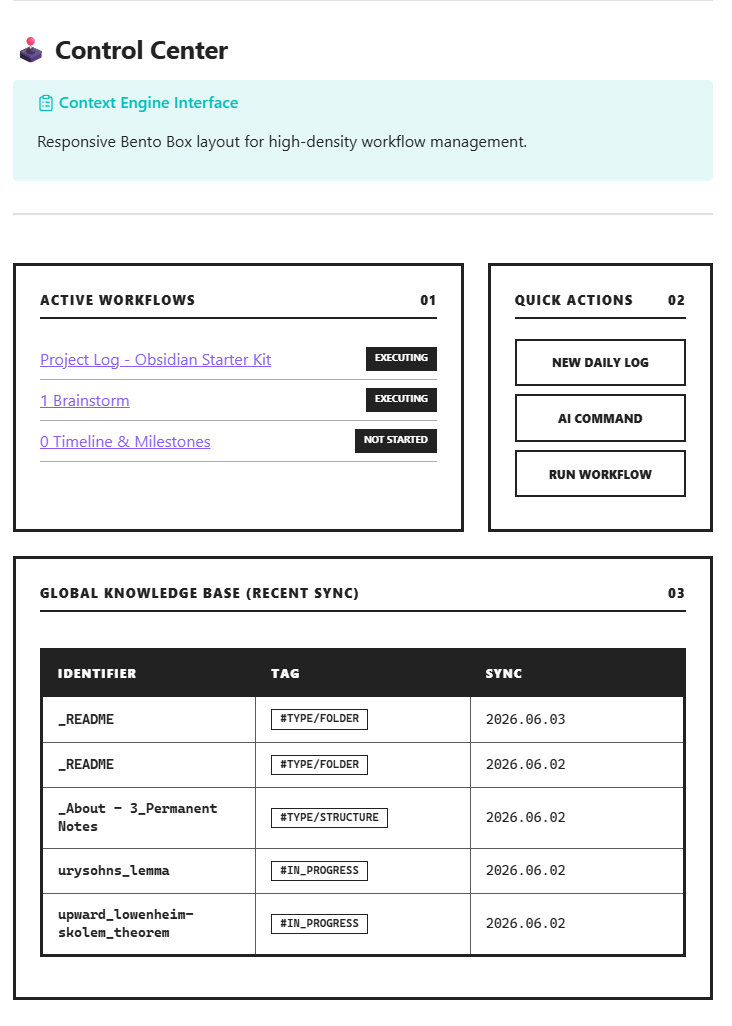
At its core, OmniVault AI is built on a refined version of the PARA Method, optimized for technical depth and clarity:
- 10_Actions: Where the work happens. Active projects, goal setting, and task Kanbans.
- 20_Areas: Long-term responsibilities like Business Operations, Learning, and Personal Finances.
- 30_Knowledge: A digital slipbox for literature notes, permanent insights, and Maps of Content (MOCs).
- 40_Journal: A high-performance logging system. It doesn’t just track dates; it tracks Ultradian Cycles, habits, and productivity metrics using interactive widgets.
- 95_AI: The “Brain” of the vault. A dedicated directory for managing AI agents, system prompts, and custom skills.
🤖 AI-Native Workflows
OmniVault AI isn’t just a place to store text; it’s an AI Command Center. It includes specialized configurations to make your vault “AI-legible,” allowing agents like Claude, Gemini, and ChatGPT to operate with surgical precision:
Context-Aware Agents
The vault includes pre-baked System Prompts (
CLAUDE.md,GPT.md,GEMINI.md) that teach AI models exactly how your vault is structured. When I invoke an agent, it already knows how to format properties, where to file notes, and how to link related concepts.
Key AI Features:
- Active Skills: Custom instructions that allow AI to generate correctly formatted Canvas files, Dataview queries, and Meta Bind widgets.
- MCP (Model Context Protocol) Support: Integrated guides for setting up Obsidian MCP servers, allowing external agents to safely read and write to your vault.
- Local LLM Integration: Full support for Ollama, enabling you to “chat with your vault” privately and offline using Smart Connections.
📊 The “Bento Box” Dashboard
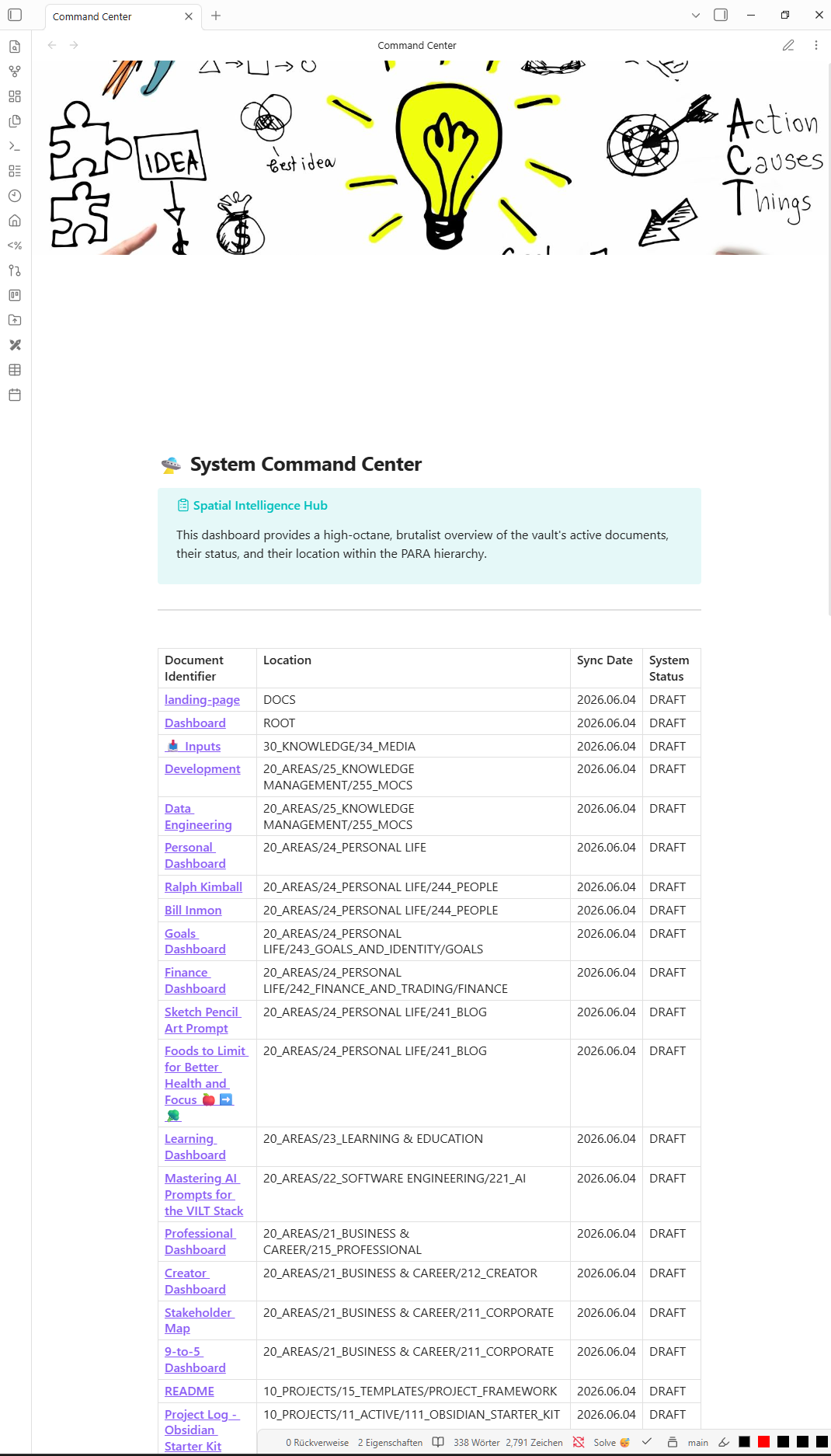
Information visibility is critical. OmniVault AI features a Control Center built with a “Brutalist Minimalist” design language.
Powered by DataviewJS and Meta Bind, the dashboard provides a high-density “Bento Box” layout that visualizes:
- Active Workflows: Real-time project status and modified dates.
- Quick Actions: One-click buttons to spawn new daily logs or run custom automation scripts.
- Global Knowledge Base: A live view of recently synthesized notes and literature.
📈 Metric-Driven Daily Logs
Your daily note should be more than a todo list. In OmniVault AI, the daily log is a performance tracker. Using interactive progress bars and toggles, I track:
- Ultradian Cycles: Monitoring focus windows to prevent burnout.
- Study Ratings: Quantifying learning sessions.
- Habit Streaks: Visualizing consistency in meditation, exercise, and coding.
All these metrics automatically roll up into Weekly and Monthly Reviews, providing an empirical look at my growth and productivity trends.
🚀 The Future of Personal Knowledge
OmniVault AI is more than a static template—it’s a living, evolving philosophy. The system is constantly updated with new features, refined system prompts, and enhanced automation scripts to ensure it keeps pace with the rapidly advancing AI and productivity landscapes.
By centralizing my “Second Brain” in an environment that is both human-readable and AI-optimized, I can focus on what actually matters: Creating and building.
Ready to Upgrade Your Workflow?
I help professionals set up high-performance knowledge systems like OmniVault AI. Let’s discuss how to optimize your digital workspace.
Obsidian SecondBrain AI Productivity KnowledgeManagement OmniVaultAI